

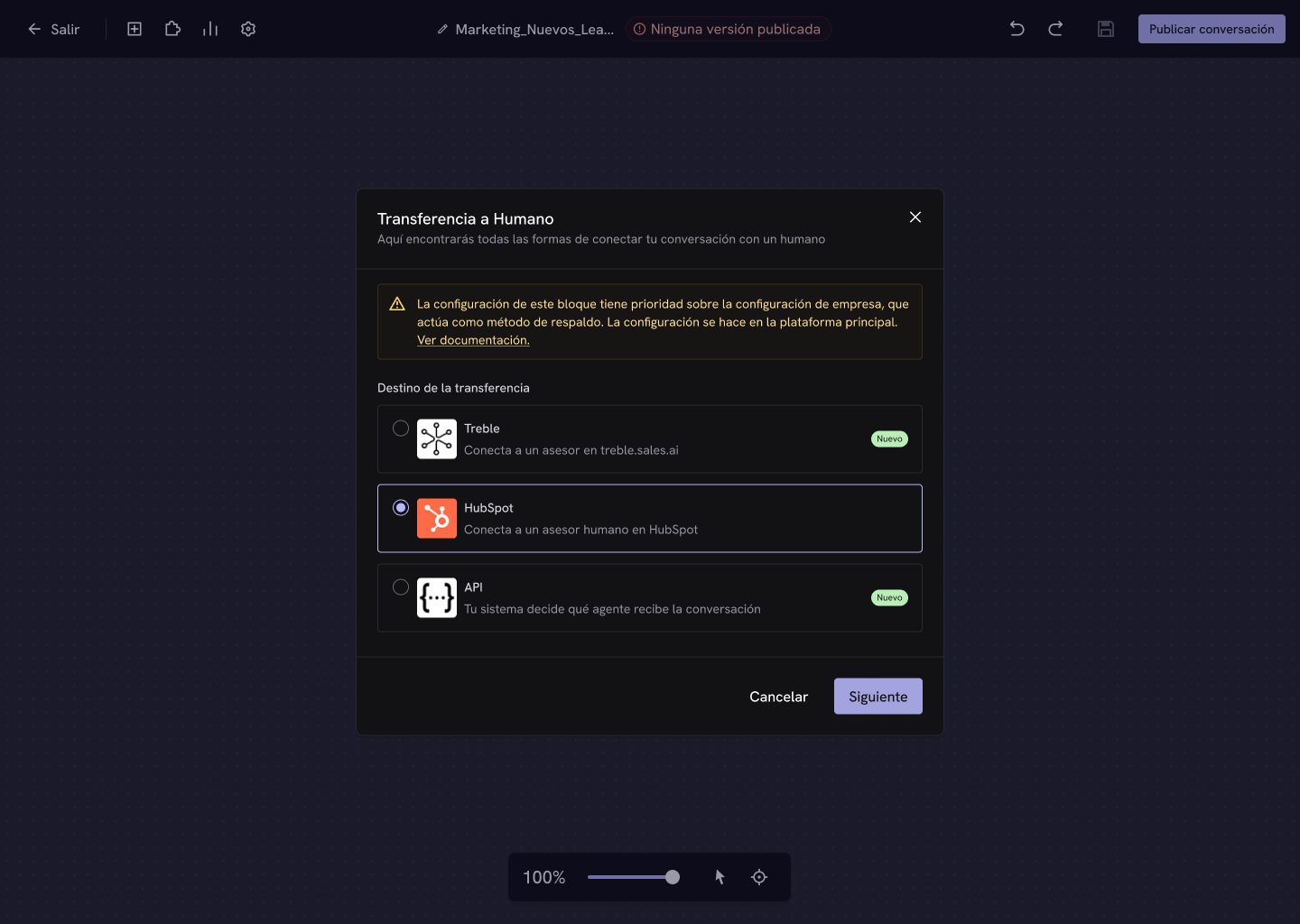
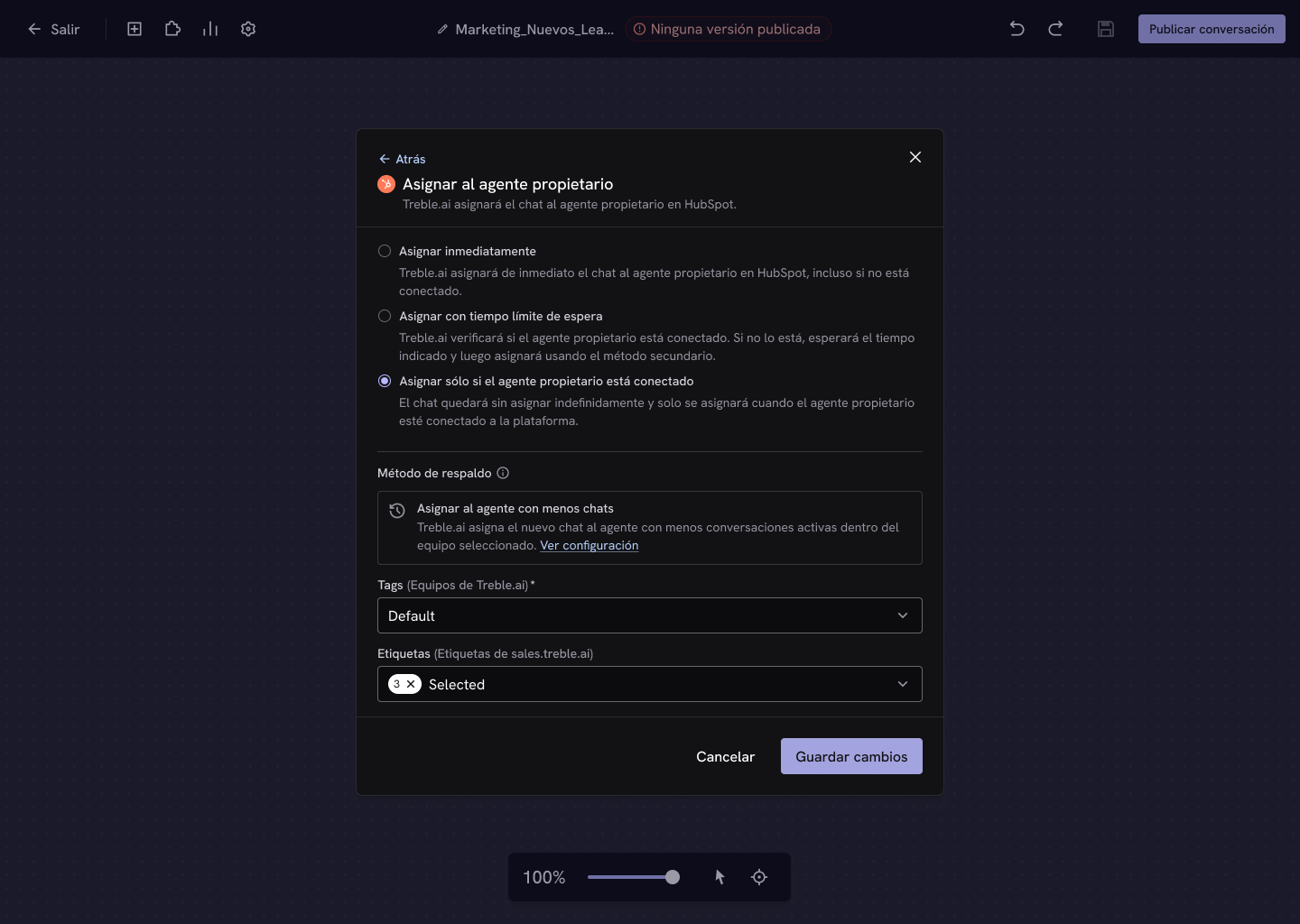
Assign to owner agent
Treble assigns the chat to the contact’s owner agent in HubSpot. When you select it, you also choose when that assignment happens.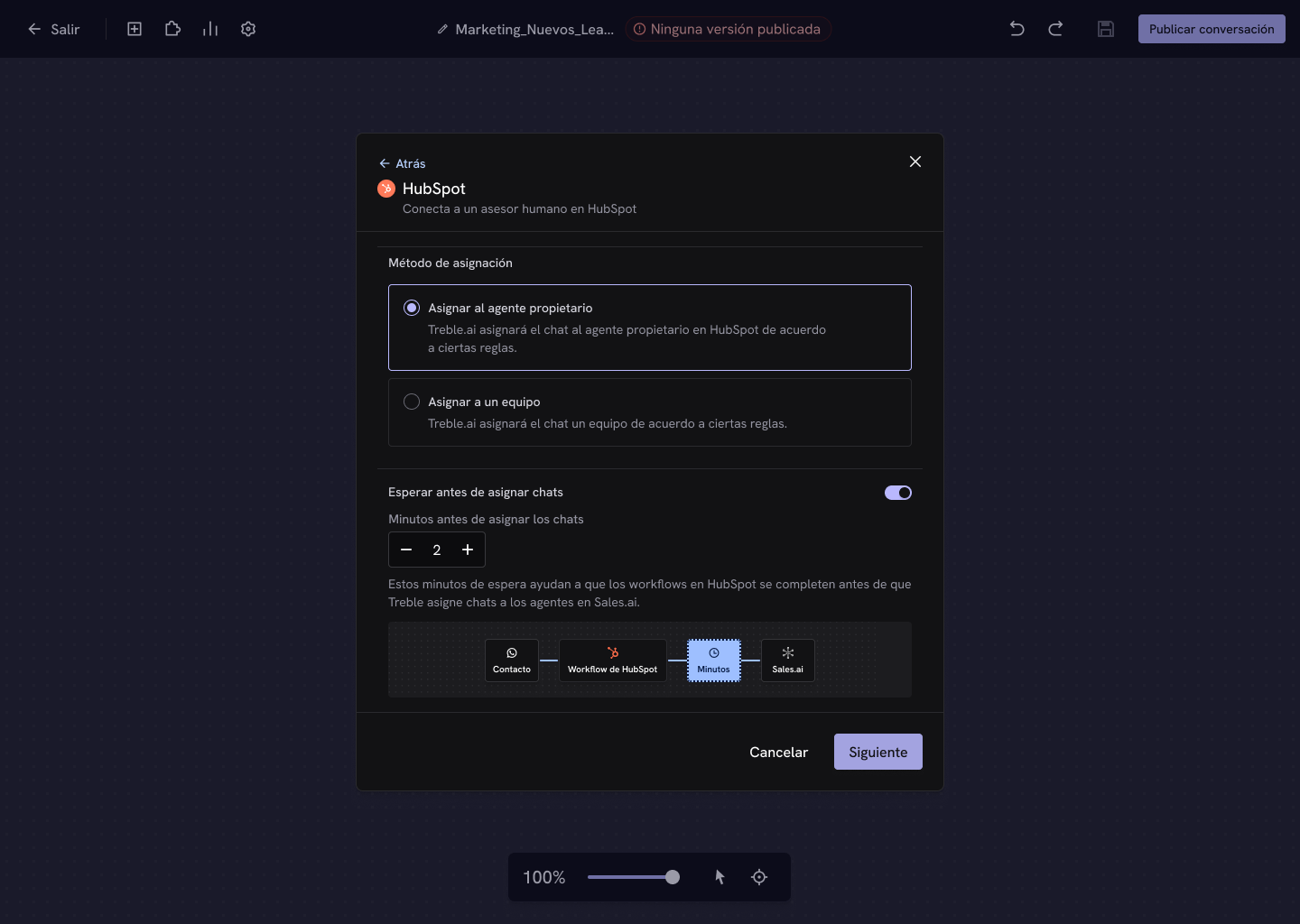
- Assign immediately
- Assign with a wait time limit
- Assign only if connected
Treble immediately assigns the chat to the owner agent in HubSpot, even if they aren’t connected. It’s the fastest and most direct option.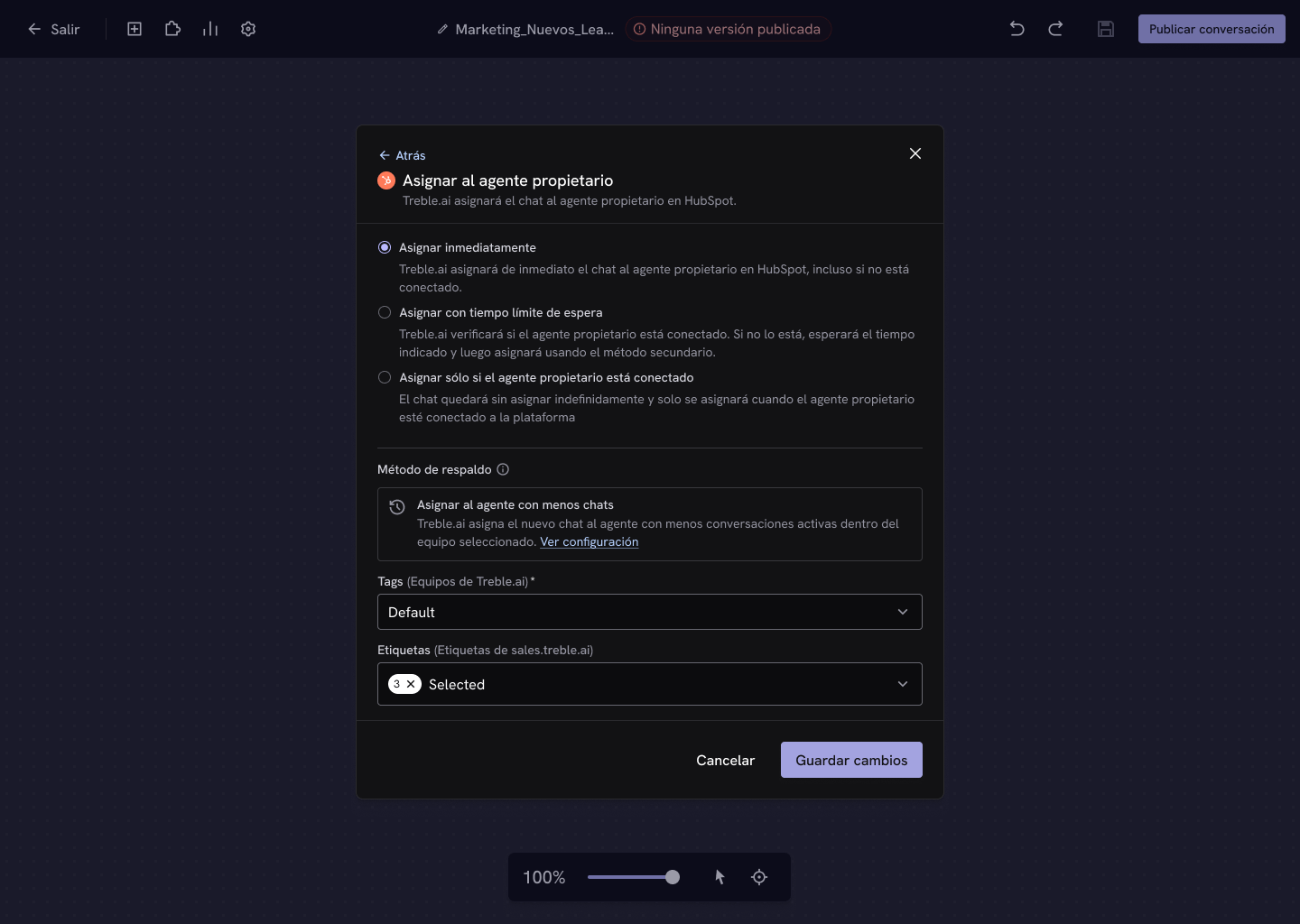
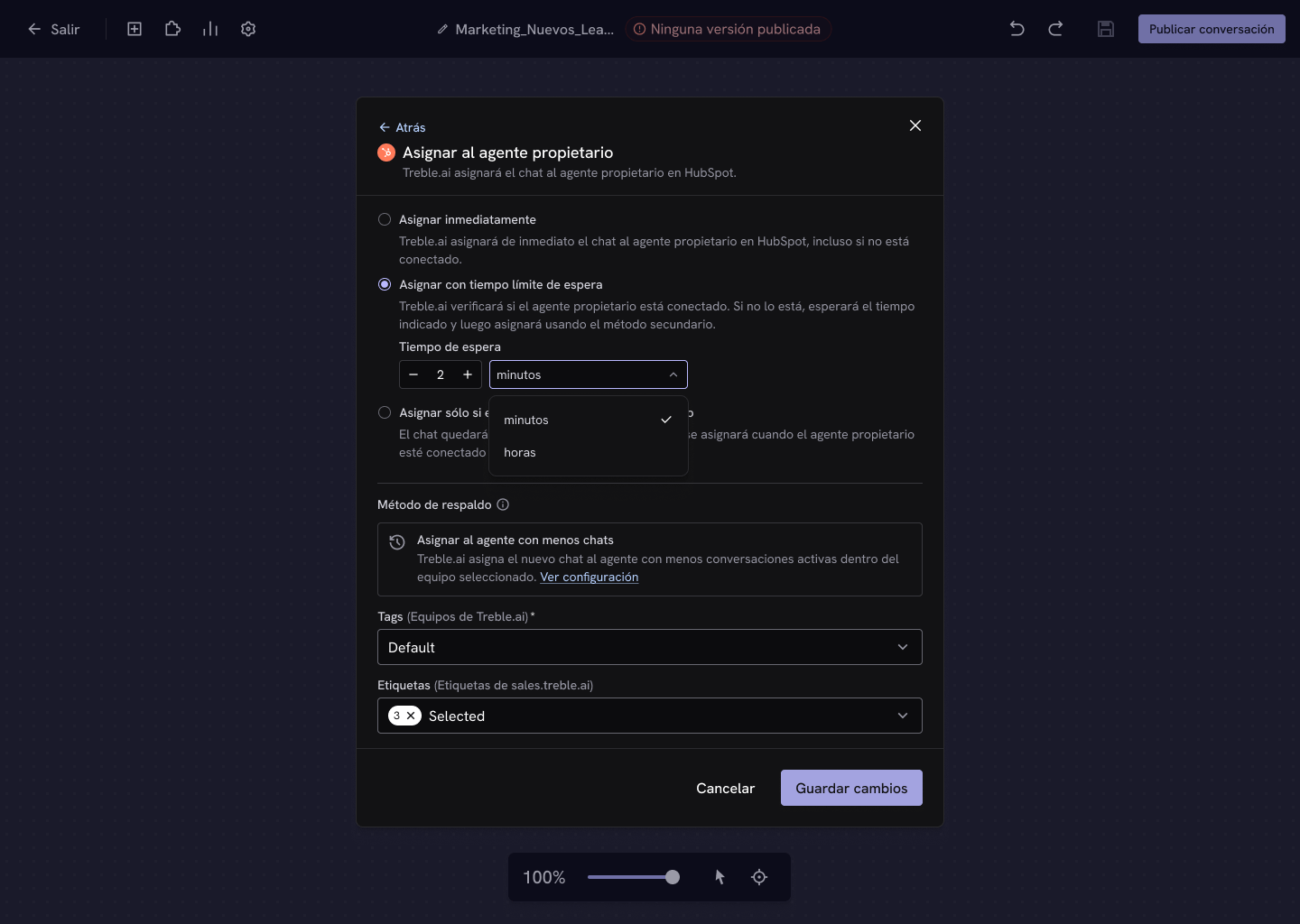
Assign to a team
Treble assigns the chat to a team instead of to a person, regardless of who the contact’s owner is.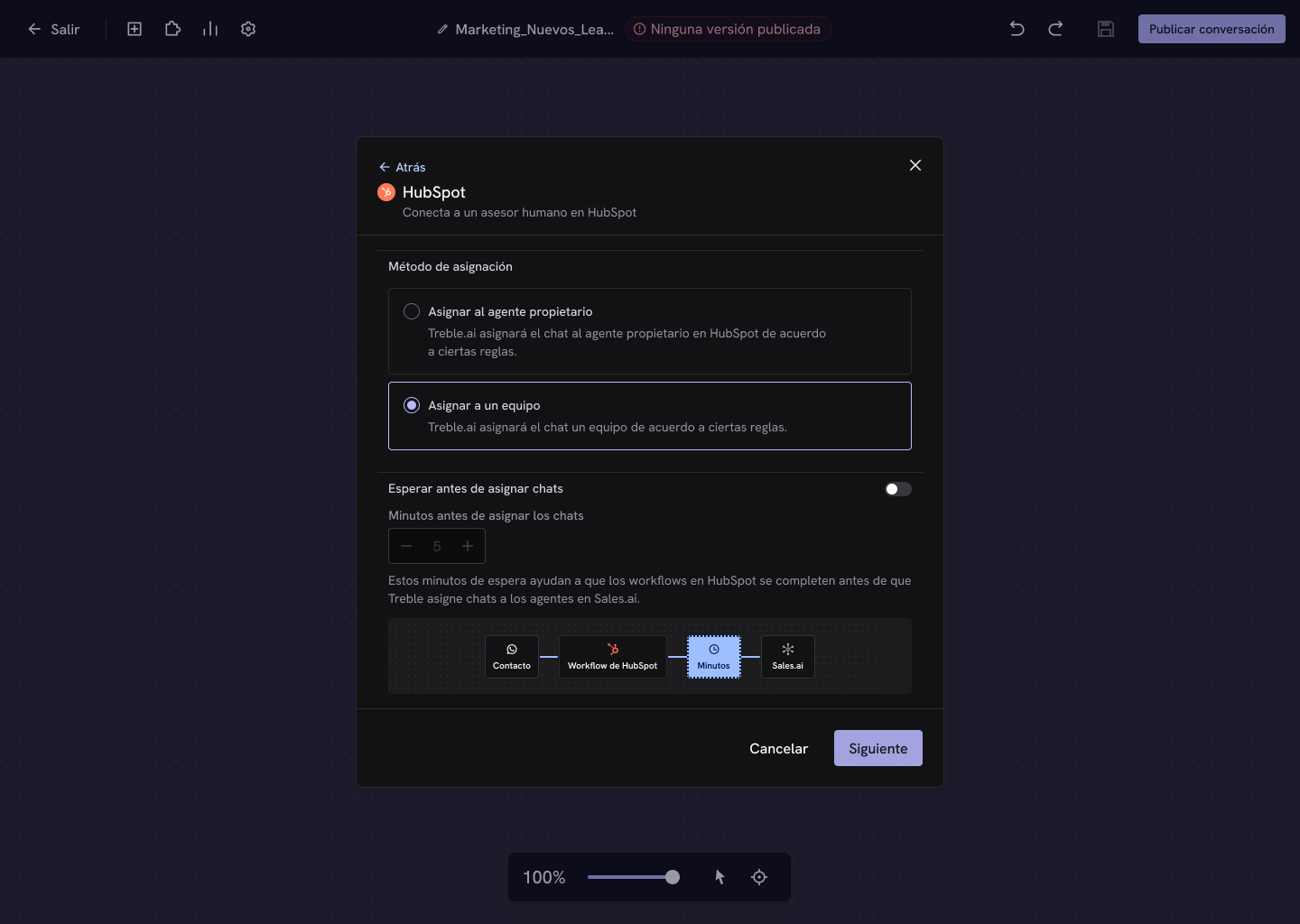
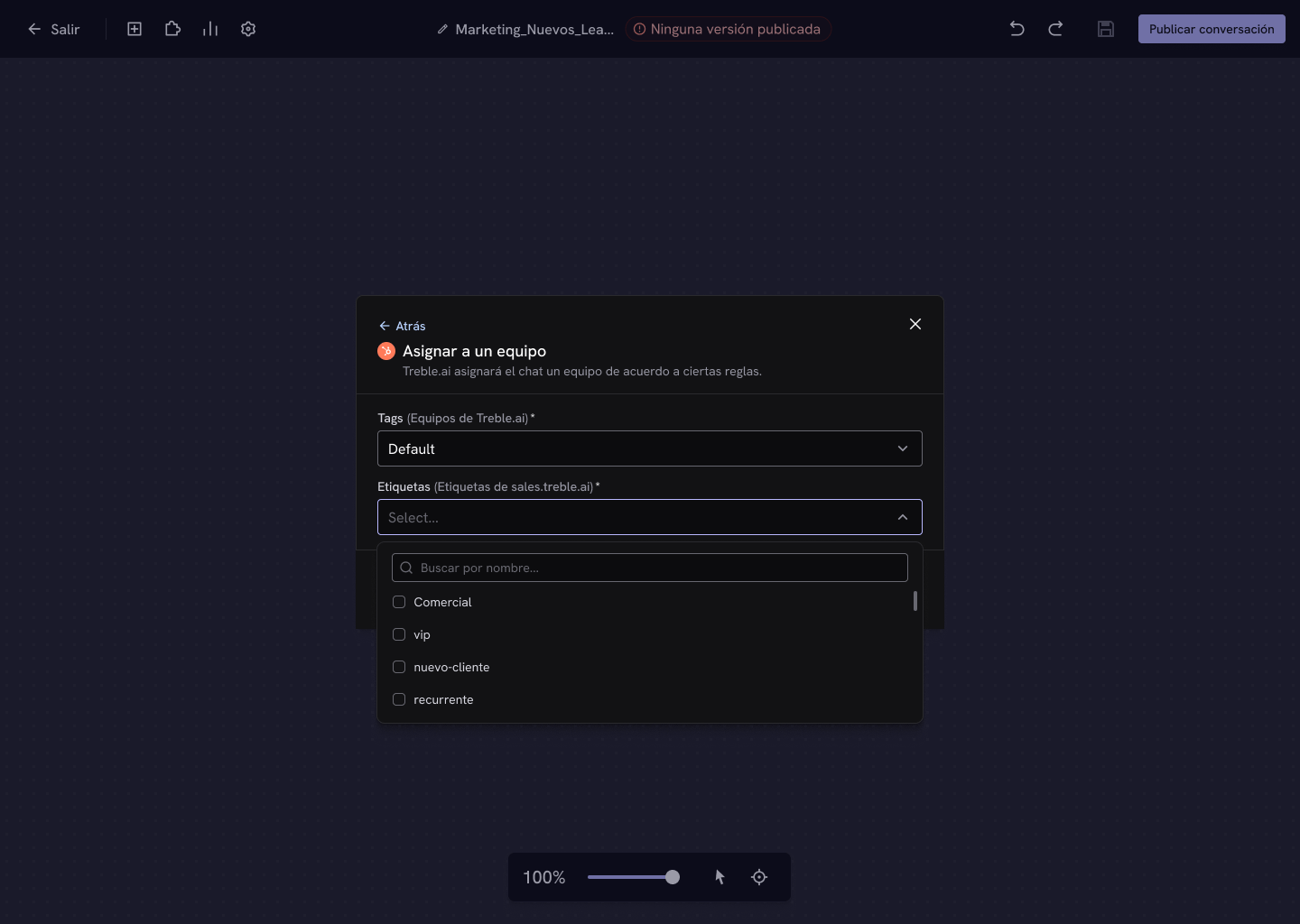
Wait before assigning chats
If you use HubSpot workflows to assign owners or tag properties, enable this option so Treble waits a few minutes before assigning. HubSpot workflows can take time to process. Without that wait, Treble could assign the conversation before HubSpot has defined the owner, and the chat would end up with the wrong agent. This wait is configured per block, not globally. That way you can keep immediate attention in the flows where no workflows are involved and apply the wait only where you actually need it.Use cases it enables
- Round robin distribution — use the contact rotation feature of HubSpot workflows.
- Property-based assignment — assign based on industry, company size, or any custom property.
The wait doesn’t affect the customer’s experience: they can keep interacting with the chatbot normally while Treble waits to make the correct assignment.
Next steps
HubSpot workflows
Configure HubSpot workflows to work with Treble.
API assignment
Let your own system decide which agent receives the chat.