

Configuration
1
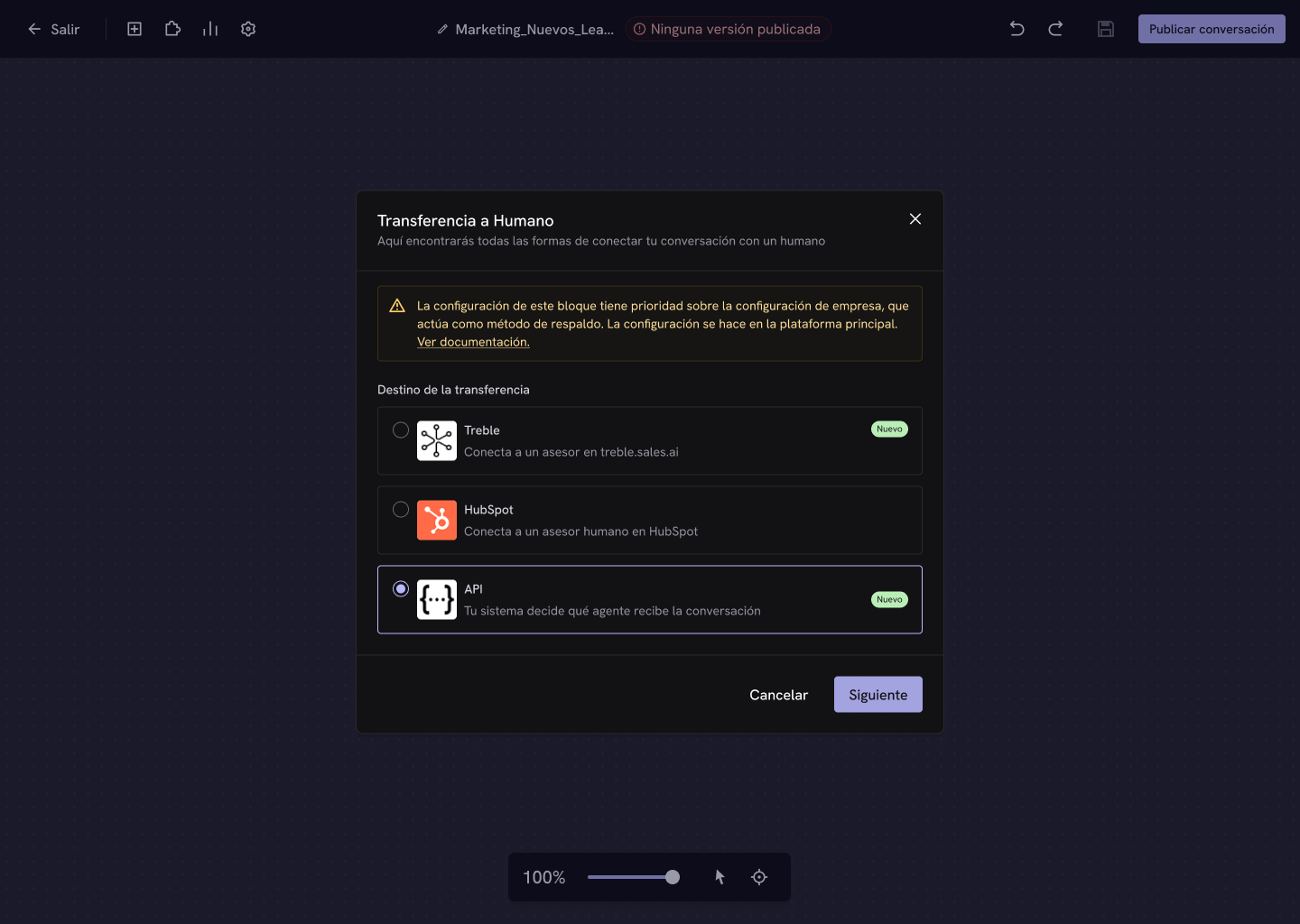
Select the API destination
In the block configuration, choose API and click Next.
2
Enter the endpoint URL
Write the URL Treble will make the 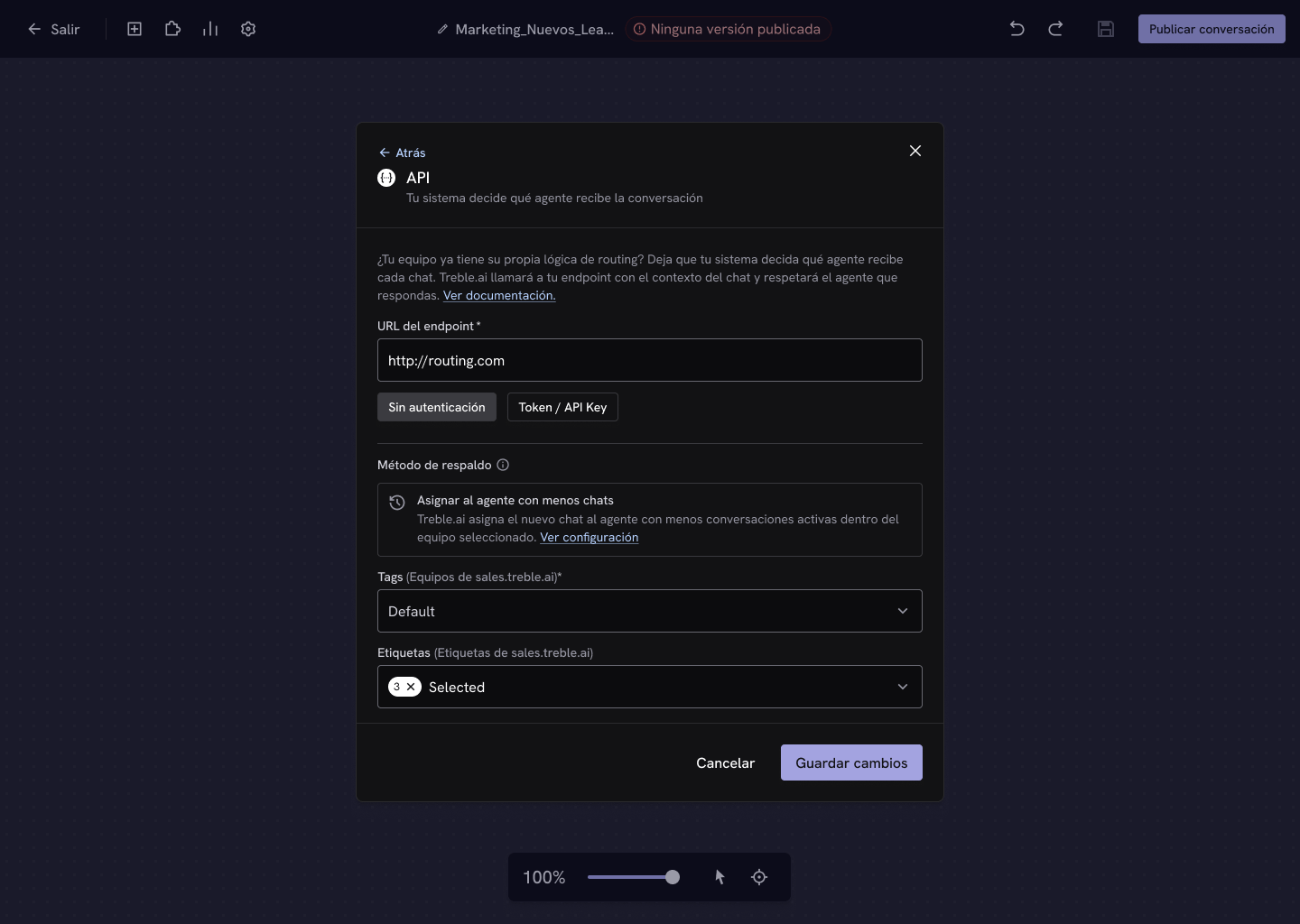
POST request to when the conversation reaches the block.3
Choose the authentication type
- No authentication — Treble calls your endpoint without credentials.
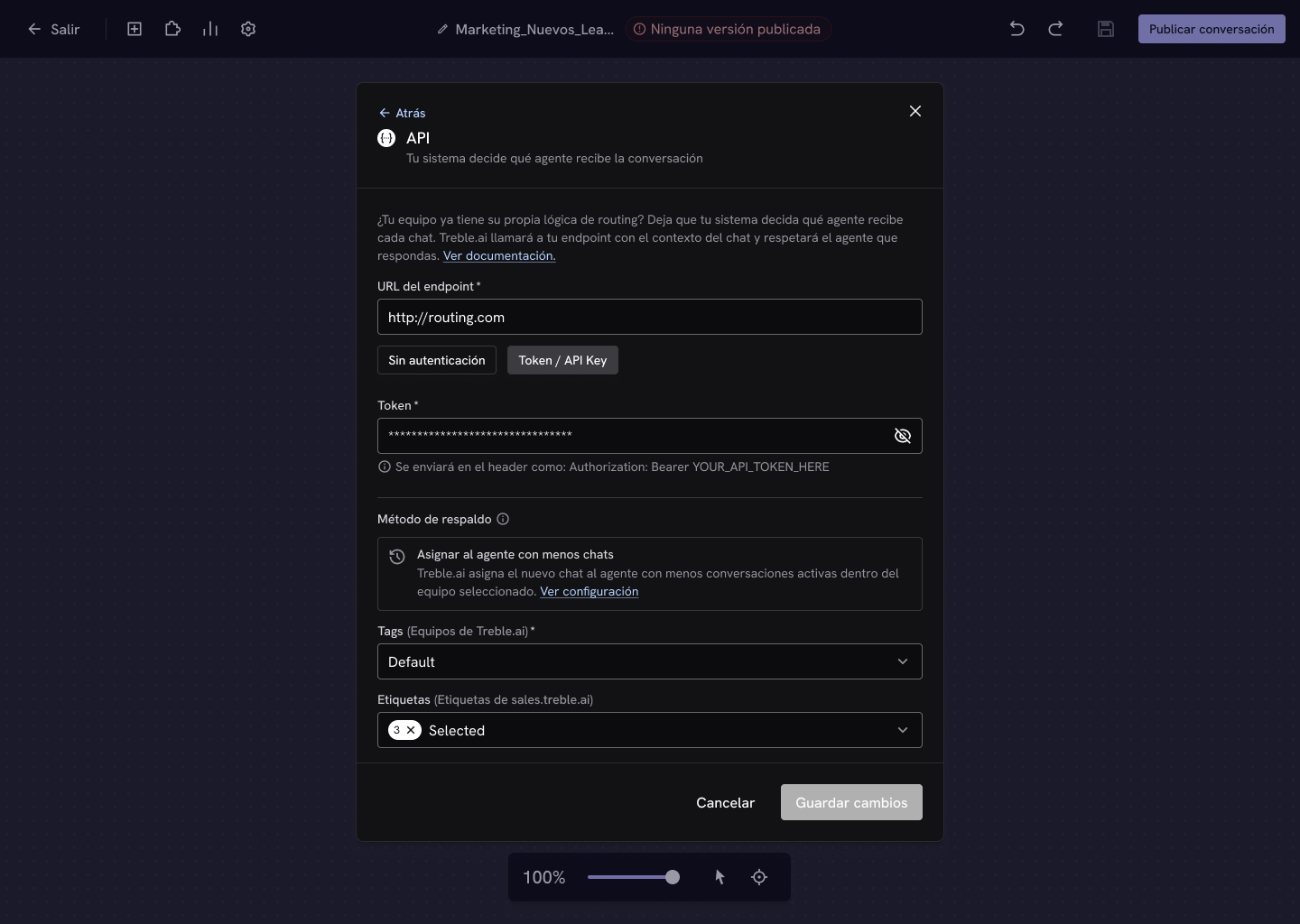
- Token / API Key — enter a token that Treble will send in the
Authorizationheader with the formatBearer YOUR_TOKEN, so your endpoint can verify the call comes from Treble.
4
Complete the team and save
Select the team in Tags, add Labels if you need them, and click Save changes.
Done! When a conversation reaches the block, Treble will call your endpoint to resolve the agent.
The contract
Your endpoint receives the contact’s and the conversation’s context, and must respond with the agent who will attend to it:agent_email field as an alternative.
The full reference —the exact body Treble sends, the two ways to identify the agent, and an implementation example— is in the API reference.
Webhook reference
The body Treble sends and the response you must return.
Get the agents
Look up the agents in your account to know which id or email to return.