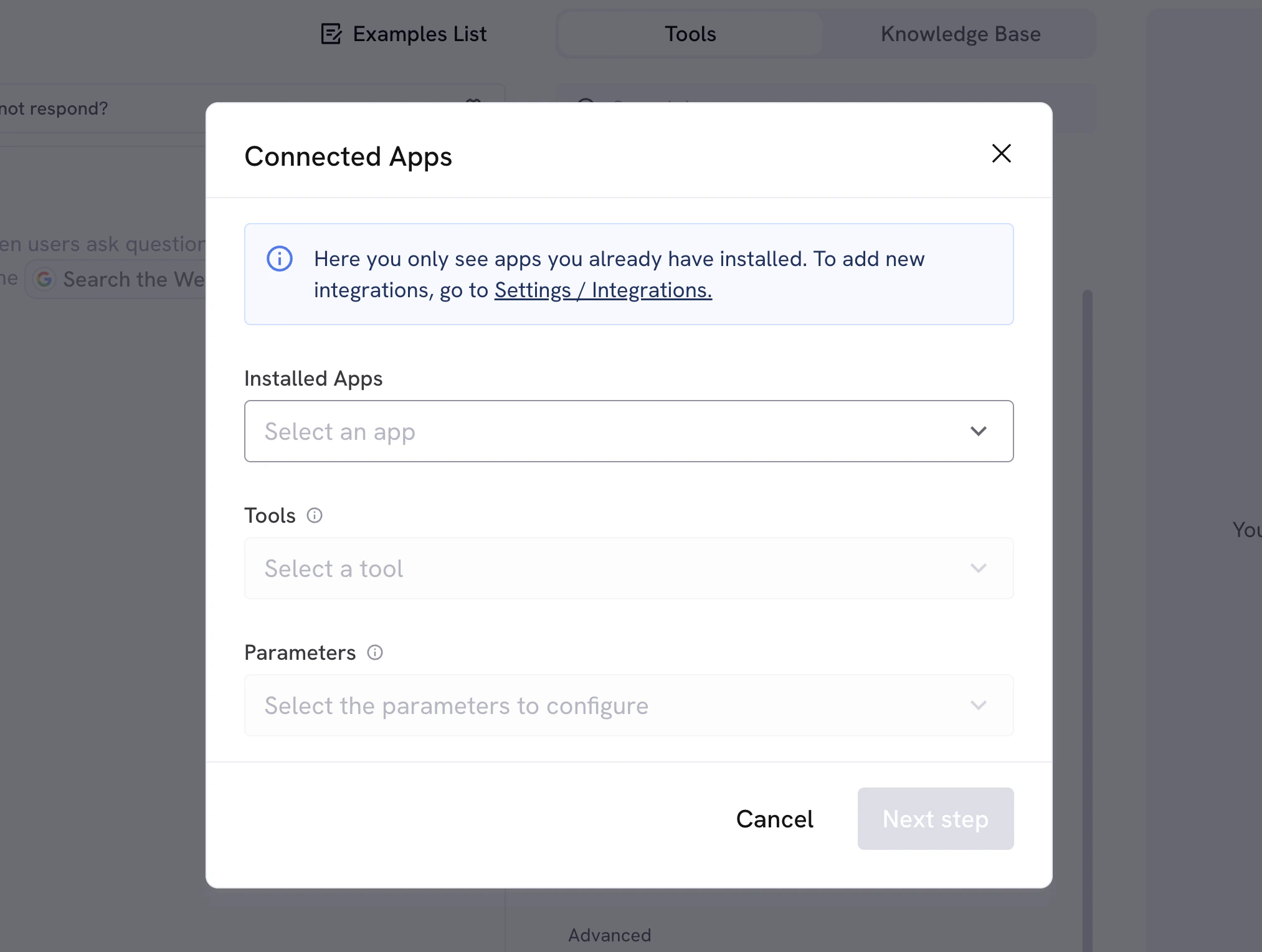
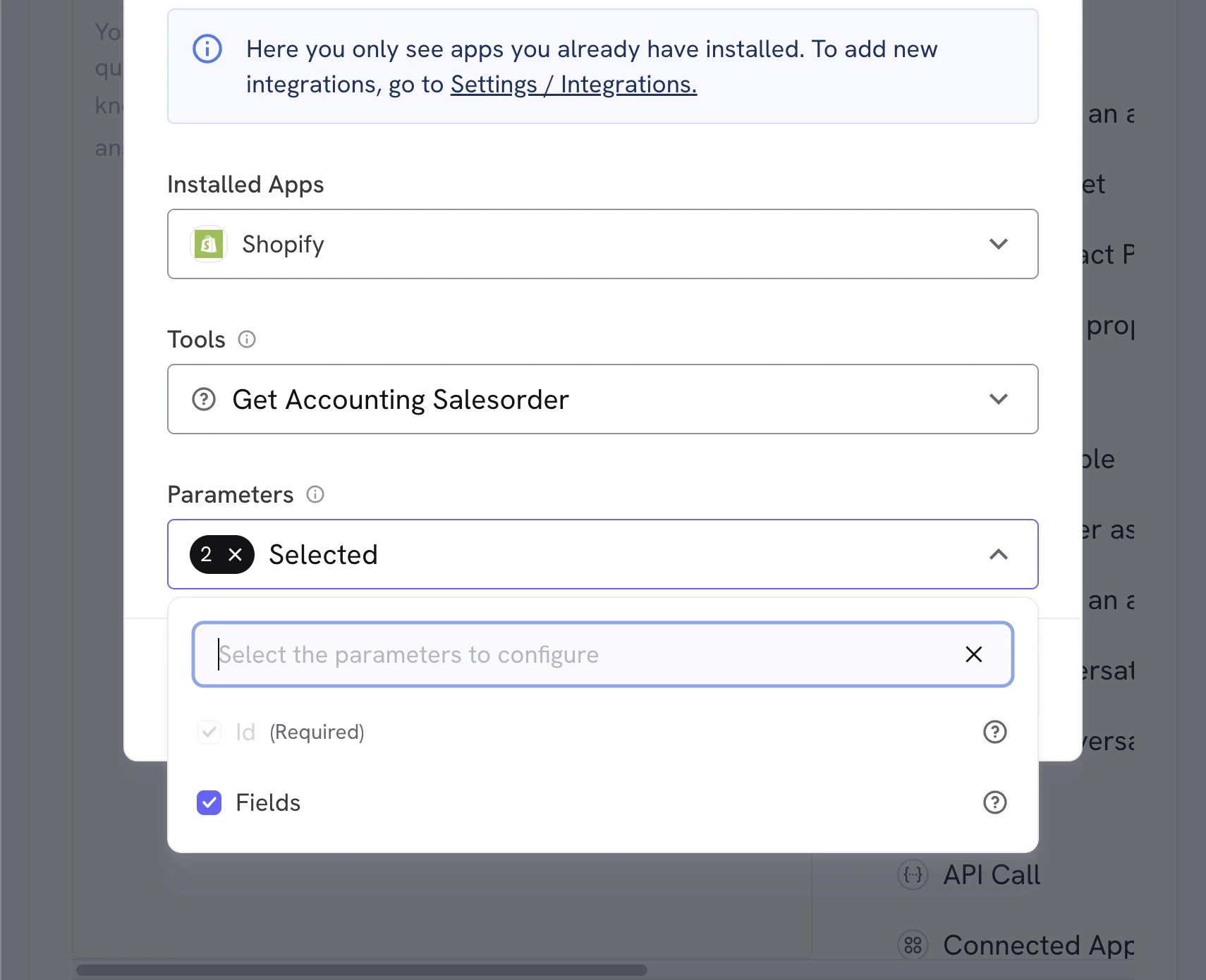
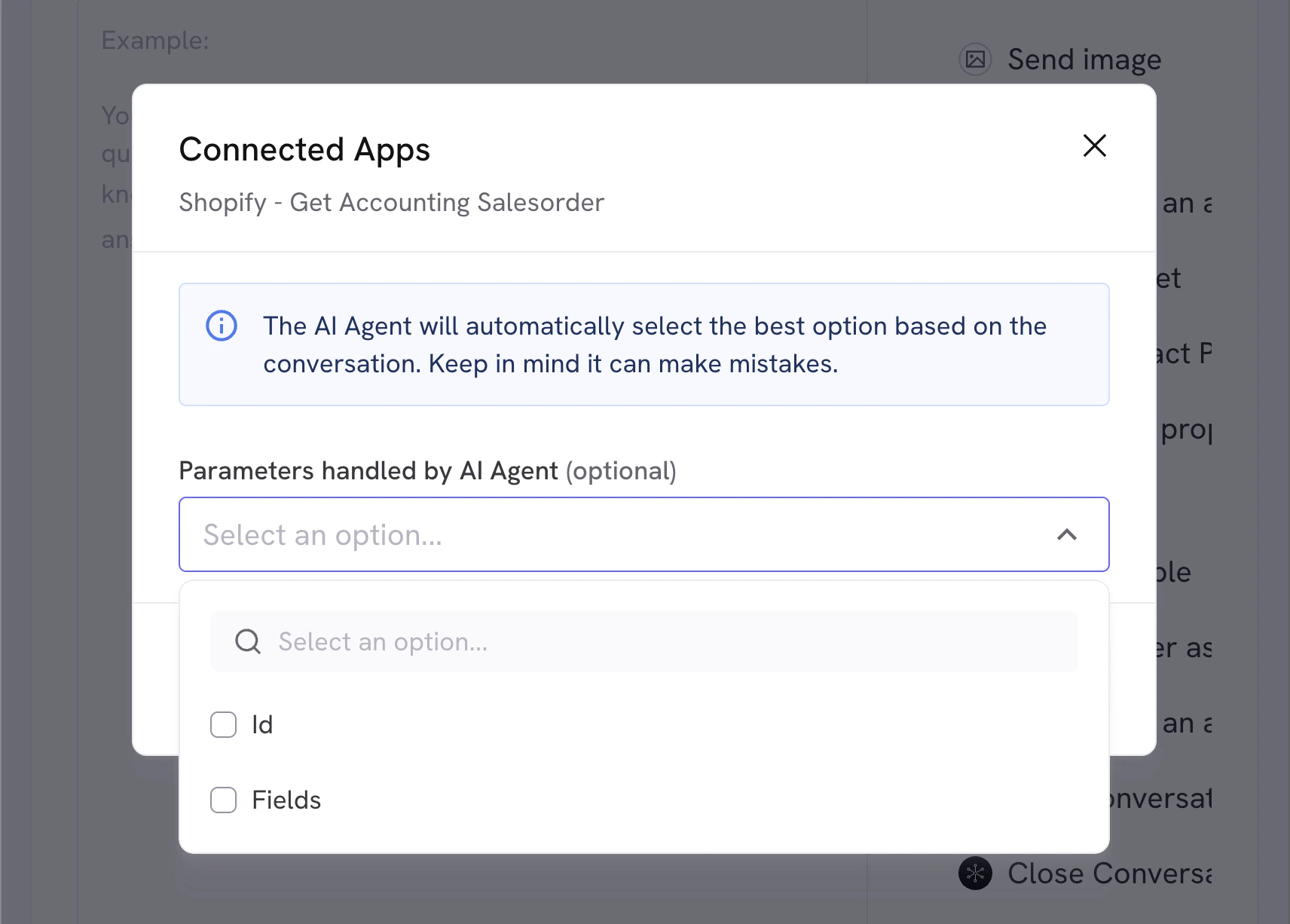
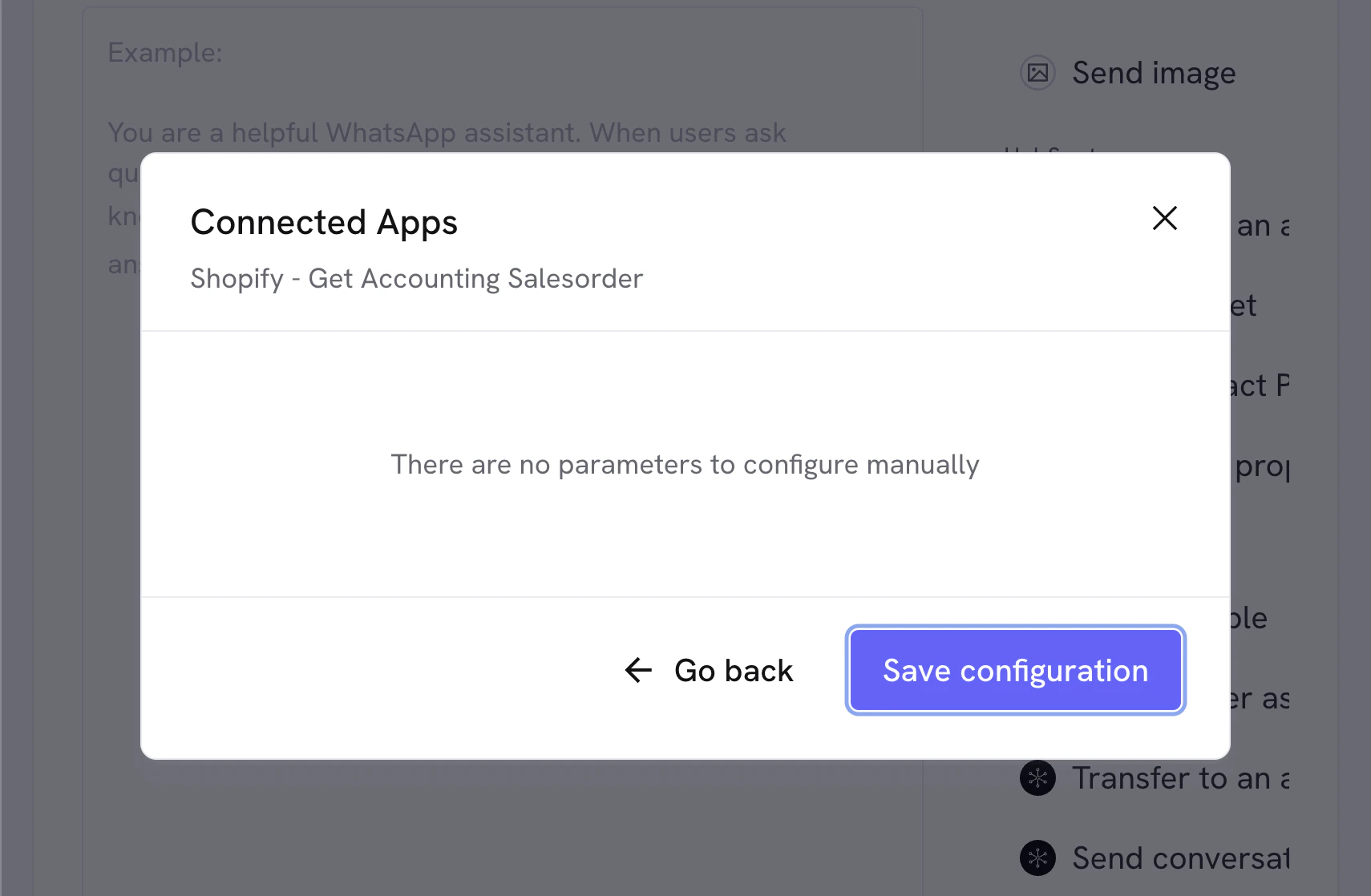
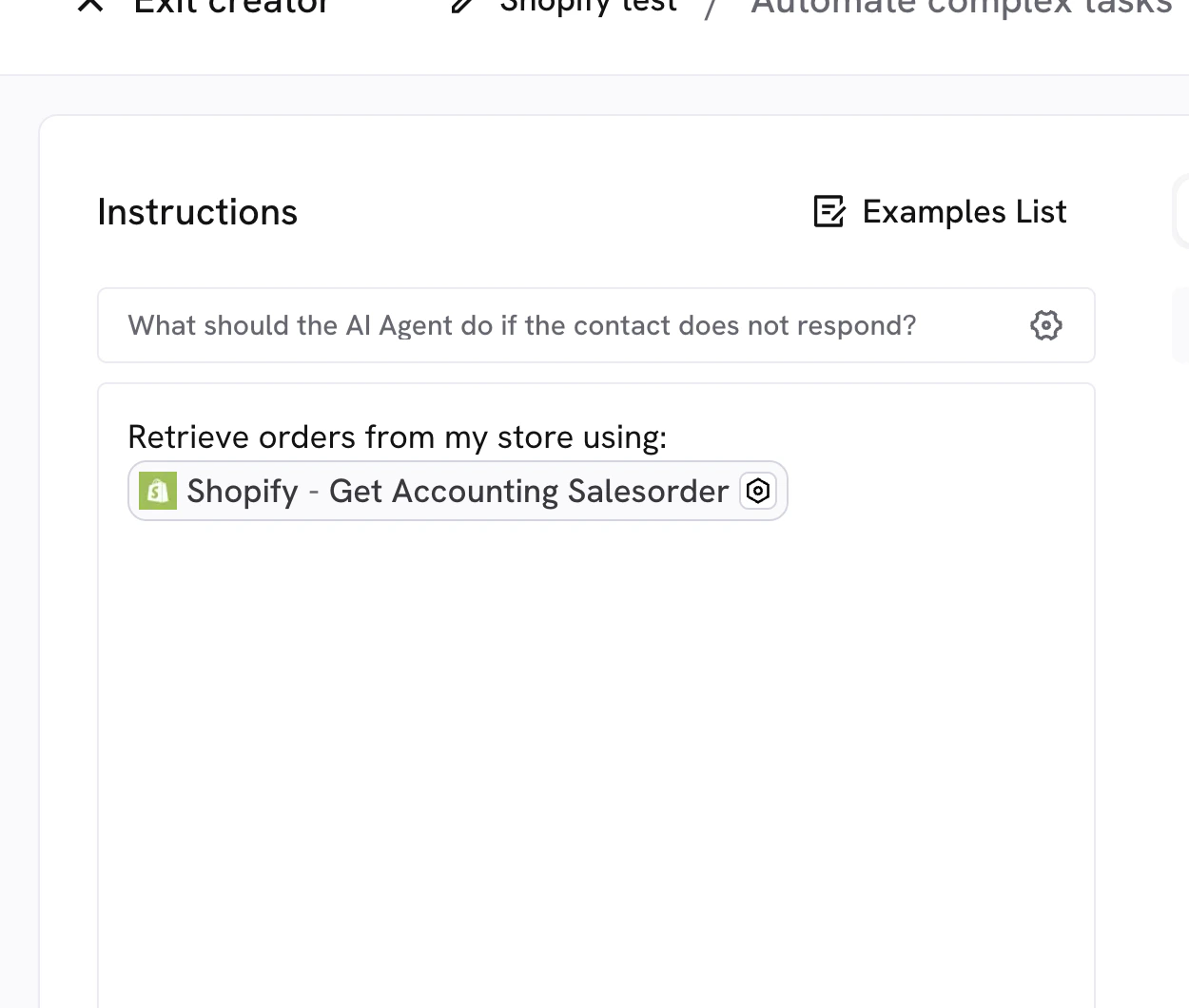
Select any of the tools, and when you click it you’ll see the 3rd dropdown “Parameters” change.The “Parameters” dropdown will show the parameters for the tool, you’ll need to fill them out before the tool can be used.Some tools will ask you to edit parameters. If you’re not sure what to change, just let the AI handle all of them.Changing parameters is only useful if you need to manually send a fixed value to the AI, such as a fixed description, a fixed timezone, currency, or any other specific value.This will override the value the AI tries to generate, so it’s advised to let the AI handle it unless you know the exact value you’re looking for. You can always update this if you see any issues or change your mind.If you let AI handle all parameters you can skip step 3, otherwise, enter the fixed values you want to use in step 3.When you click “Save” you’ll see the configured action in your AI Agent editor, you can now use it in your conversations.