

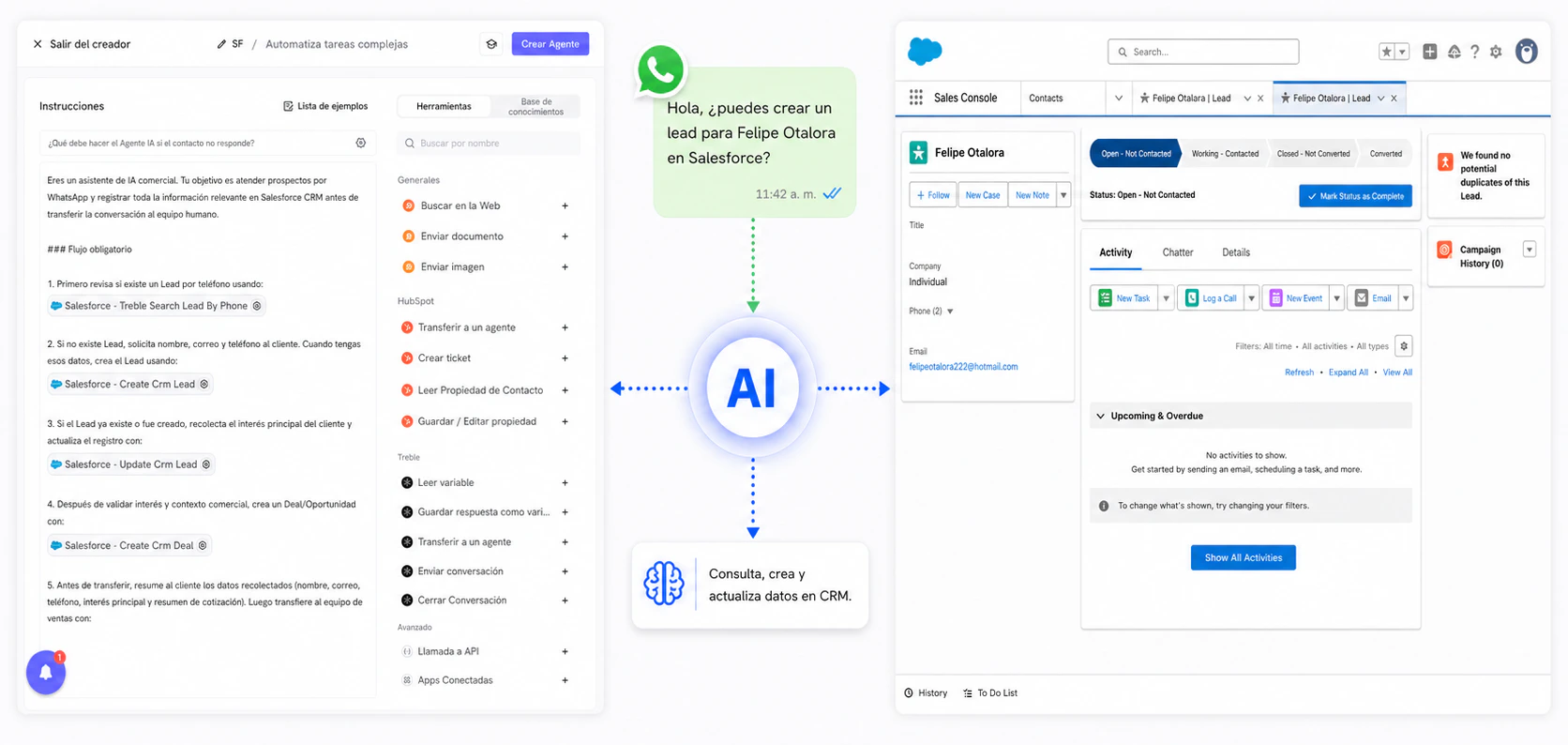
Features
-
Update information of your entities in Salesforce CRM
- You can update information for Lead, Contact, Company, Deal (Deal / Opportunity), and Pipeline in Salesforce CRM, such as name, email, phone, stage, status, etc. You can also use custom properties of these entities.
-
Get information from your entities to use in your Treble conversations
- You can get information for Lead, Contact, Company, Deal (Deal / Opportunity), and Pipeline to use in your Treble conversations, such as name, email, phone, stage, status, etc. You can also use custom properties of these entities.
-
Create entities in Salesforce CRM
- You can create Leads, Contacts, Companies, and Deals (Deal / Opportunity) in Salesforce CRM with standard and custom properties.
-
Delete entities in Salesforce CRM
- You can delete Leads, Contacts, Companies, and Deals (Deal / Opportunity) in Salesforce CRM.
Use case examples
- Your customers contact you on WhatsApp, our AI assistant answers your customers’ frequently asked questions, checks whether the Lead exists in Salesforce CRM, and if not, creates it and transfers the conversation to an agent on your team in Treble.
- Your customer wants to update account information, and the AI agent can ask the necessary questions to update Lead or Contact data in Salesforce CRM.
- Your customer contacts you because they need help with a potential product purchase, and the AI agent can review the Deal (Deal / Opportunity) in Salesforce CRM and update its status and information.
- Your sales team needs visibility into the sales progress, and the AI agent can query the Pipeline in Salesforce CRM to identify which stage each Deal is in and guide the next action in the conversation.