> ## Documentation Index
> Fetch the complete documentation index at: https://help.treble.ai/llms.txt
> Use this file to discover all available pages before exploring further.
# Welcome to Treble
> Treble is a tool that allows you to create customized conversation flows for your WhatsApp sales and marketing use cases. Additionally, Treble can be integrated with your information systems (CRM) like HubSpot and Salesforce to automate and optimize your WhatsApp messaging processes.
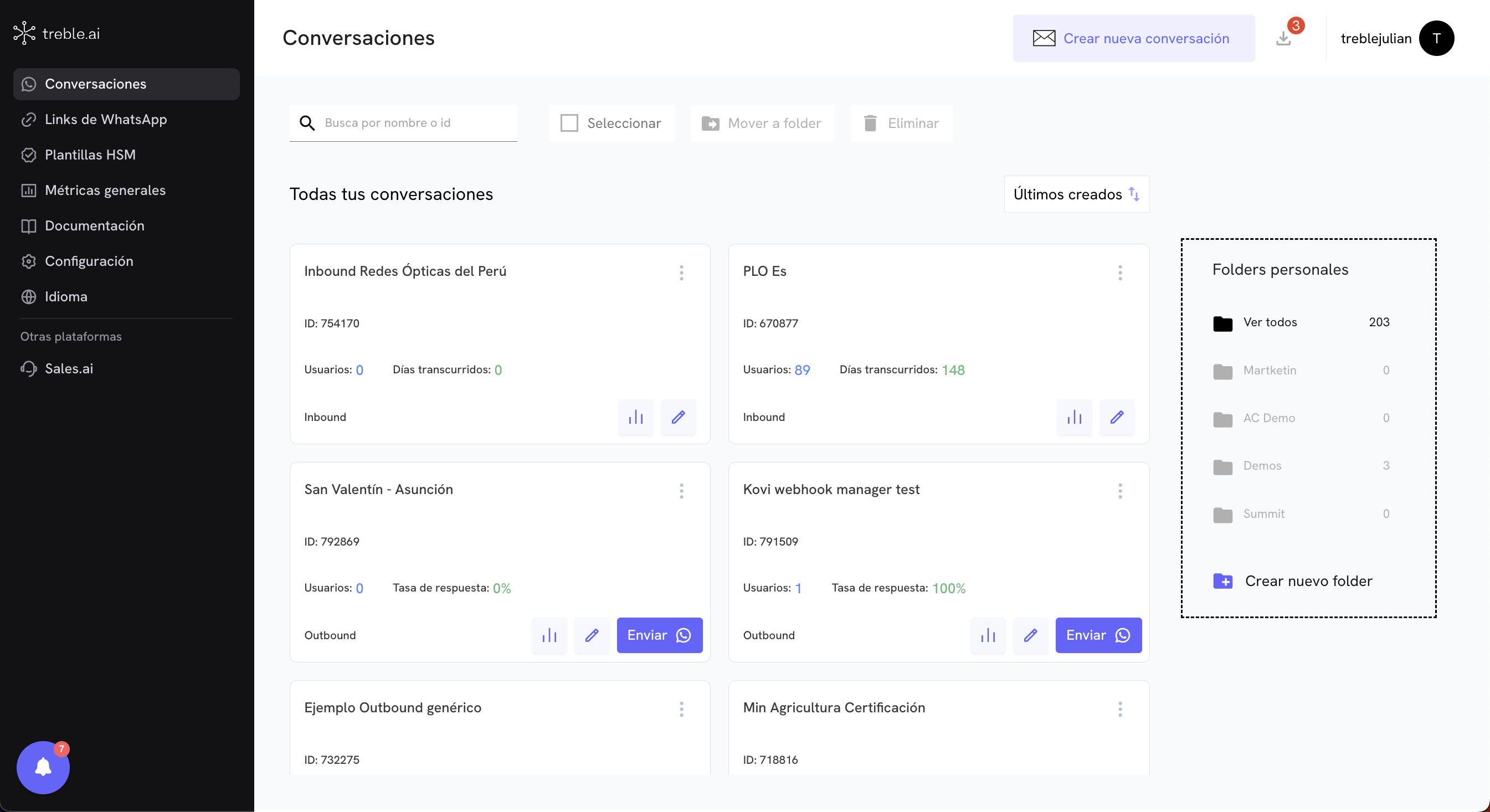 ## First Steps
If you're new to Treble, start here to learn the essentials and create your first WhatsApp conversations.
Create and send your first outbound conversation in Treble.
Use our API to integrate Treble with your information systems.
Discover how you can integrate Treble with your CRM or other information systems.
## First Steps
If you're new to Treble, start here to learn the essentials and create your first WhatsApp conversations.
Create and send your first outbound conversation in Treble.
Use our API to integrate Treble with your information systems.
Discover how you can integrate Treble with your CRM or other information systems.