> ## Documentation Index
> Fetch the complete documentation index at: https://help.treble.ai/llms.txt
> Use this file to discover all available pages before exploring further.
# Invite Your Team
> With Trebot, each user of your Hubspot account can connect their own WhatsApp number, and thus have the records of their conversations under their ownership.
To invite new users to your team, there are two ways to do it:
* When writing to the support line, you have 2 options: select the one that says "invite people to my team".
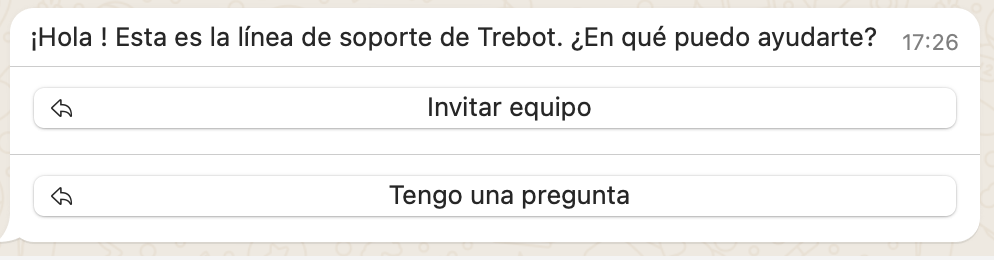 * When you connect or reconnect from your computer, after scanning the QR code, you'll see the option to invite your team.
.png?fit=max&auto=format&n=fEXY_VeSPQYS96-P&q=85&s=d61b580e7dbda5d38f40174f8305e70a) In both cases, you'll receive a link that you must send to the user you want to invite. When accessing, that person must write their user email in Hubspot. Remember that each WhatsApp number can be associated with only one Hubspot account, and each Hubspot account can be associated with only one phone.
In both cases, you'll receive a link that you must send to the user you want to invite. When accessing, that person must write their user email in Hubspot. Remember that each WhatsApp number can be associated with only one Hubspot account, and each Hubspot account can be associated with only one phone.