> ## Documentation Index
> Fetch the complete documentation index at: https://help.treble.ai/llms.txt
> Use this file to discover all available pages before exploring further.
# Trebot - Free WhatsApp+Hubspot Integration
> Trebot is a free integration between Hubspot and WhatsApp applications that helps you manage sales teams and improve data handling.
**What does Trebot do?**
Trebot synchronizes conversations from your WhatsApp applications (personal or business) with Hubspot, without the need for API or code, on a daily basis. The history of each conversation is saved in the contacts, along with a summary of what was discussed that day. Trebot can also inform you about your Hubspot tasks every morning, so you can start your day with the necessary context to move forward with all your most important activities.
**How to get started?**
You only need a HubSpot account (Free, Starter, or Professional), WhatsApp installed on your phone, and the Chrome browser for the extension functions. No API access or additional software is required.
The setup is quick and simple, taking less than 3 minutes. Simply:
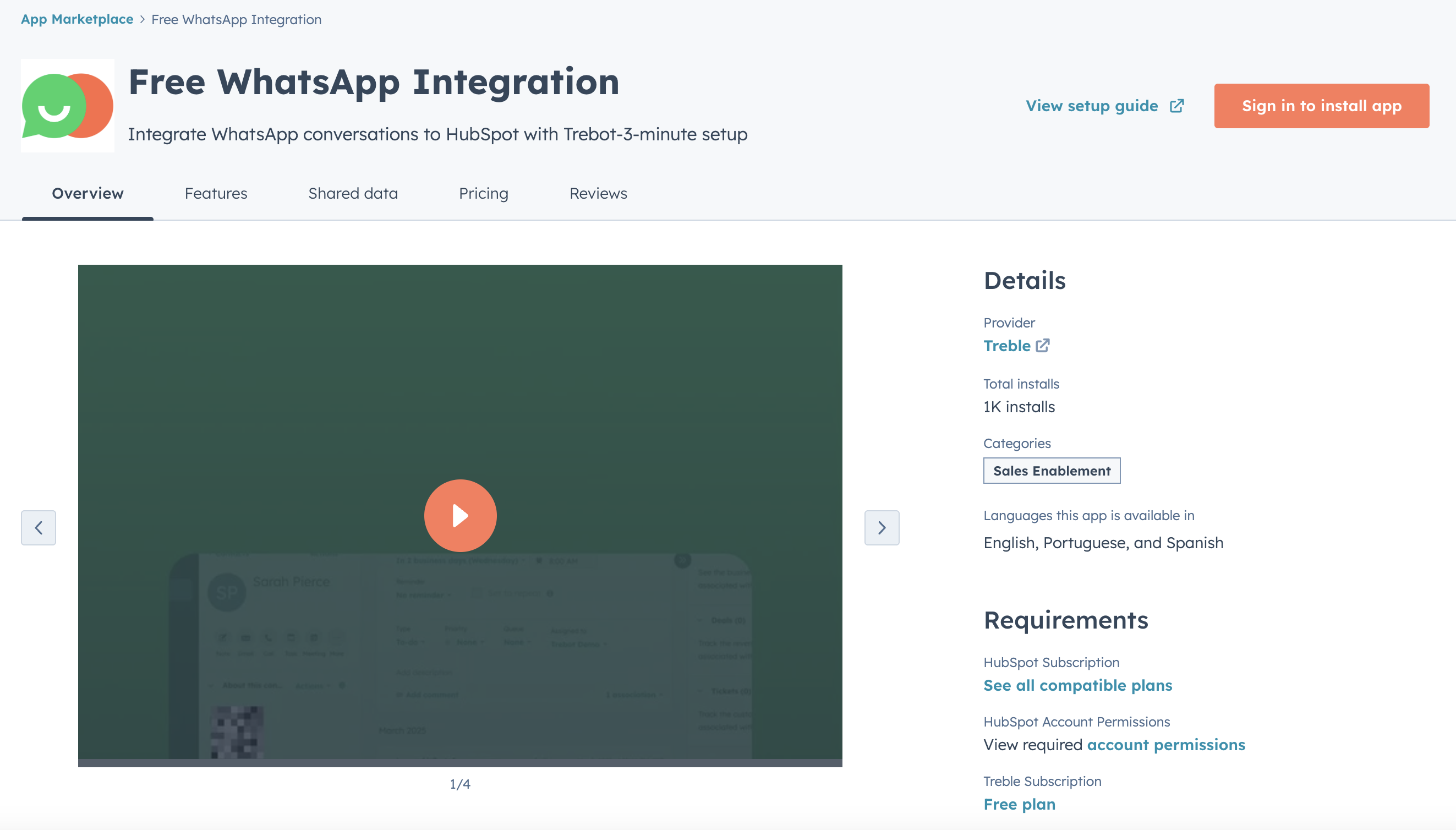
1. Install Trebot from [HubSpot Marketplace](https://ecosystem.hubspot.com/marketplace/apps/whatsapp-sync-con-trebot).
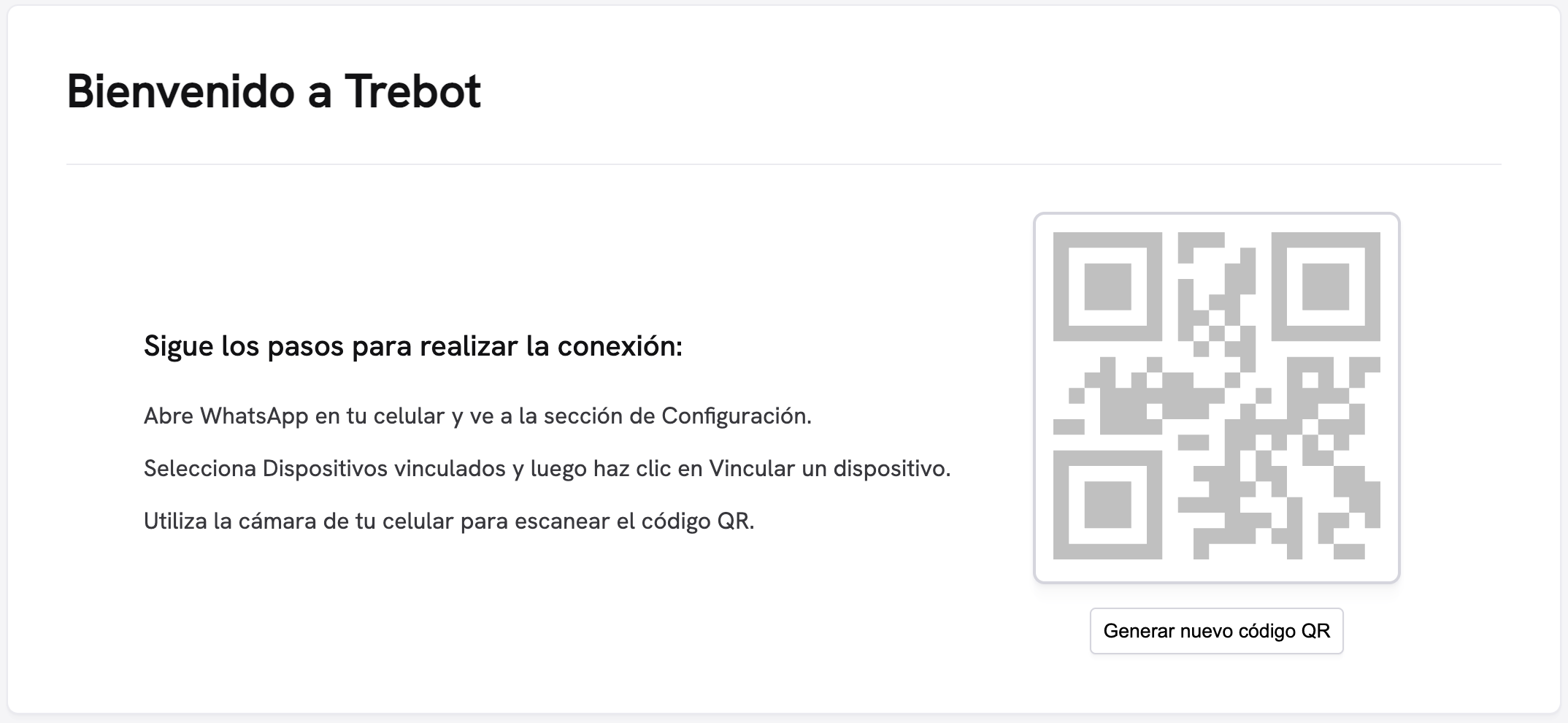
 2. Scan the QR code with your WhatsApp
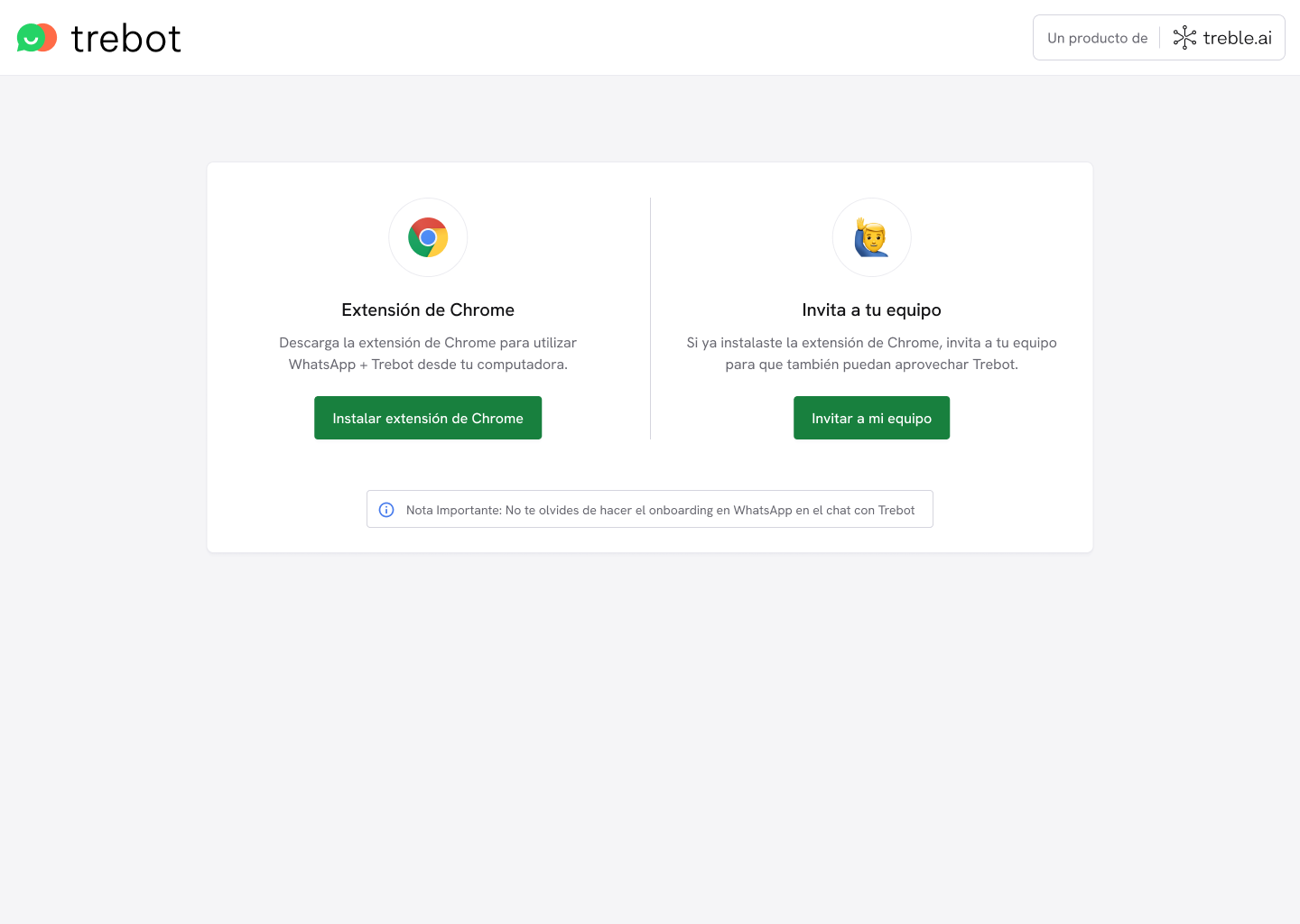
 3. Install the Chrome extension (optional) and invite your team so they can also record their conversations in Hubspot.
 4. Choose your synchronization preferences from the message you'll receive on your WhatsApp and you're all set.