> ## Documentation Index
> Fetch the complete documentation index at: https://help.treble.ai/llms.txt
> Use this file to discover all available pages before exploring further.
# Treble Methods
> Assign the conversation to an agent on your team in treble.sales.ai: to the one with the fewest active chats, to a random one, or always to the same specific agent.
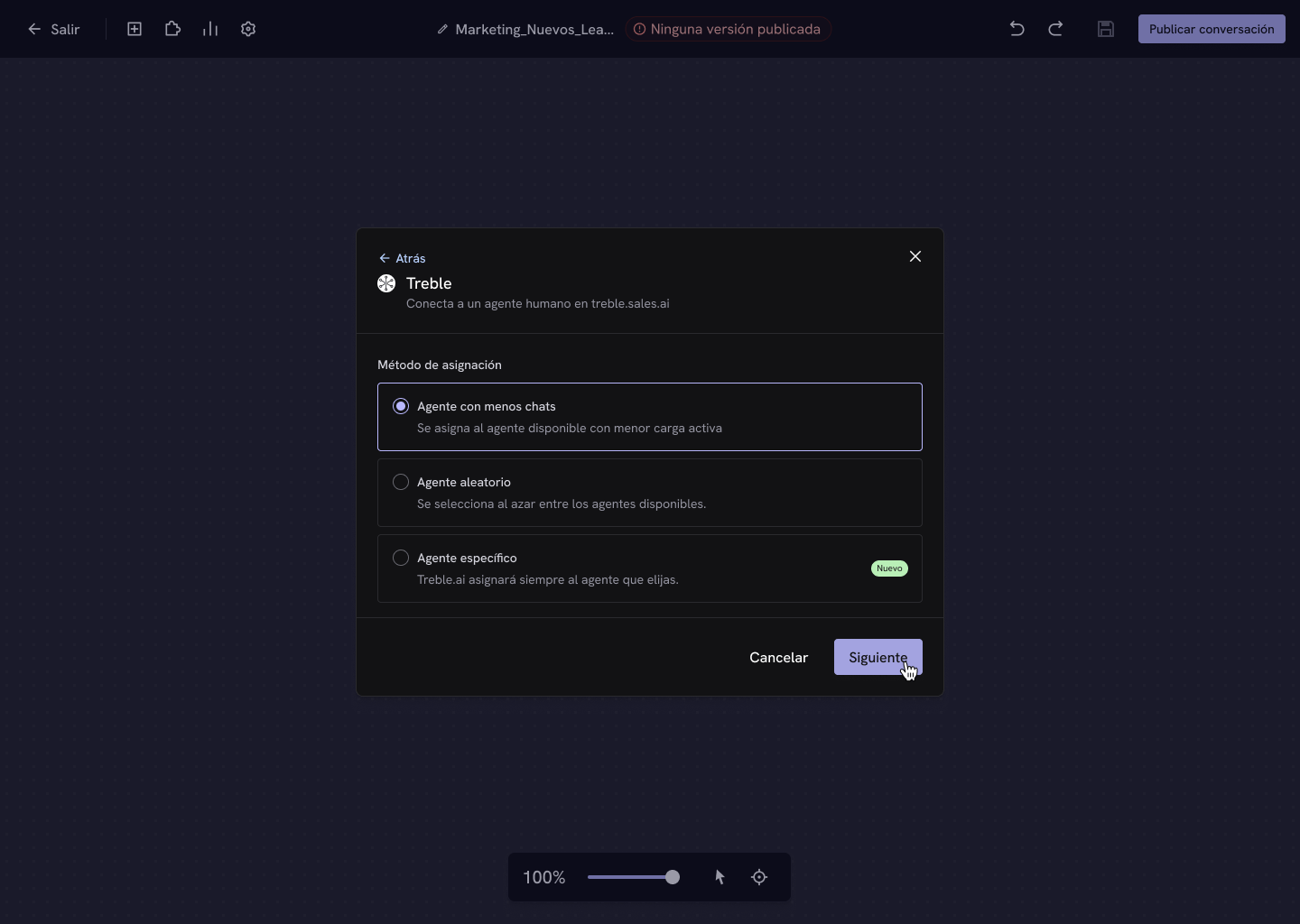
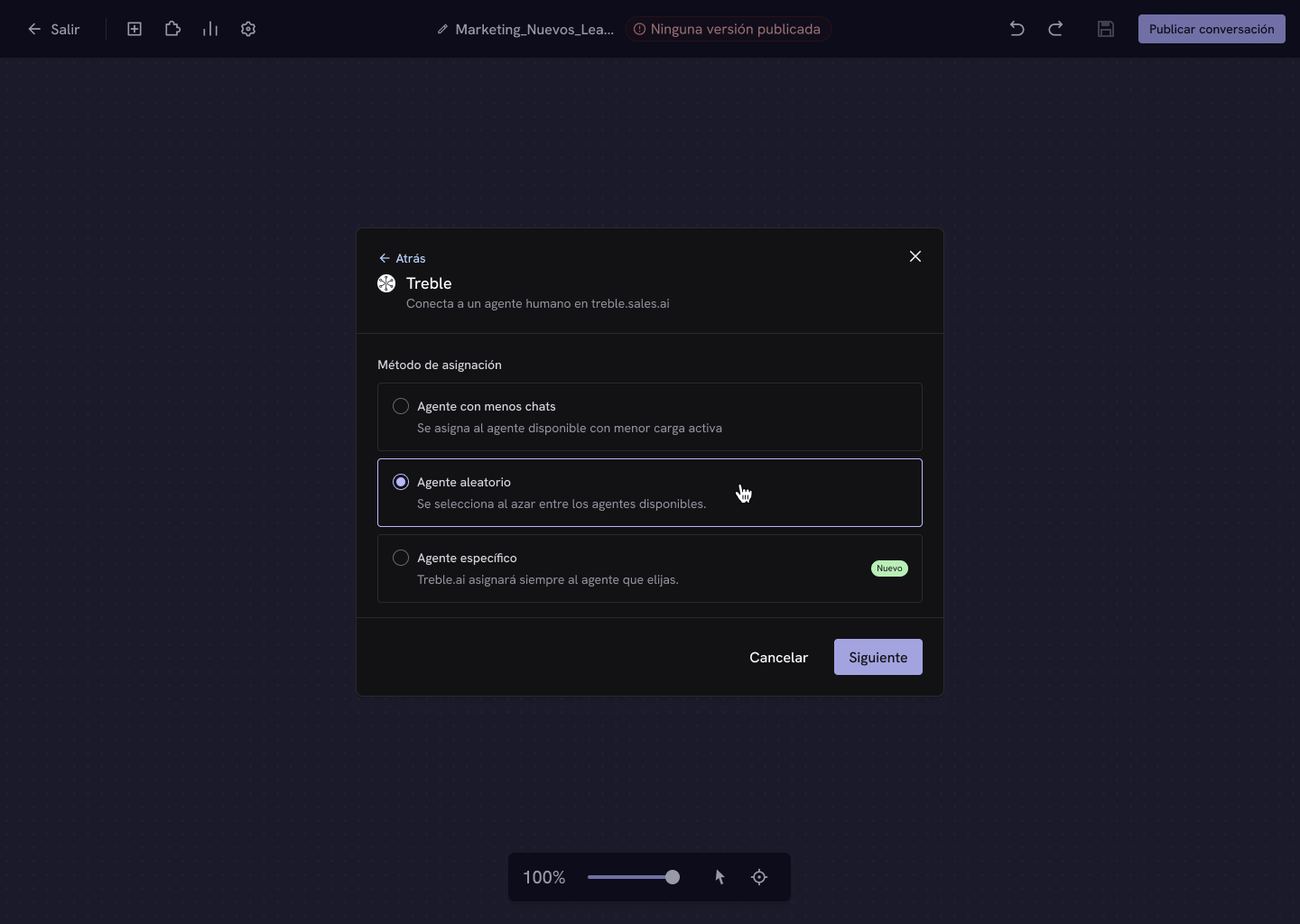
With the **Treble** destination, the conversation is assigned to an agent on your team in treble.sales.ai. There are three methods available.
## Agent with fewer chats
The available agent with the **lowest active load** is assigned. This is the recommended method for balancing your team's work: Treble counts each agent's active chats in real time within the selected team and picks the one with the fewest.
 ## Random agent
An agent is selected **at random** among the team's available agents. Useful when you want to distribute evenly over time without looking at the load at any given moment.
## Random agent
An agent is selected **at random** among the team's available agents. Useful when you want to distribute evenly over time without looking at the load at any given moment.
 ## Specific agent
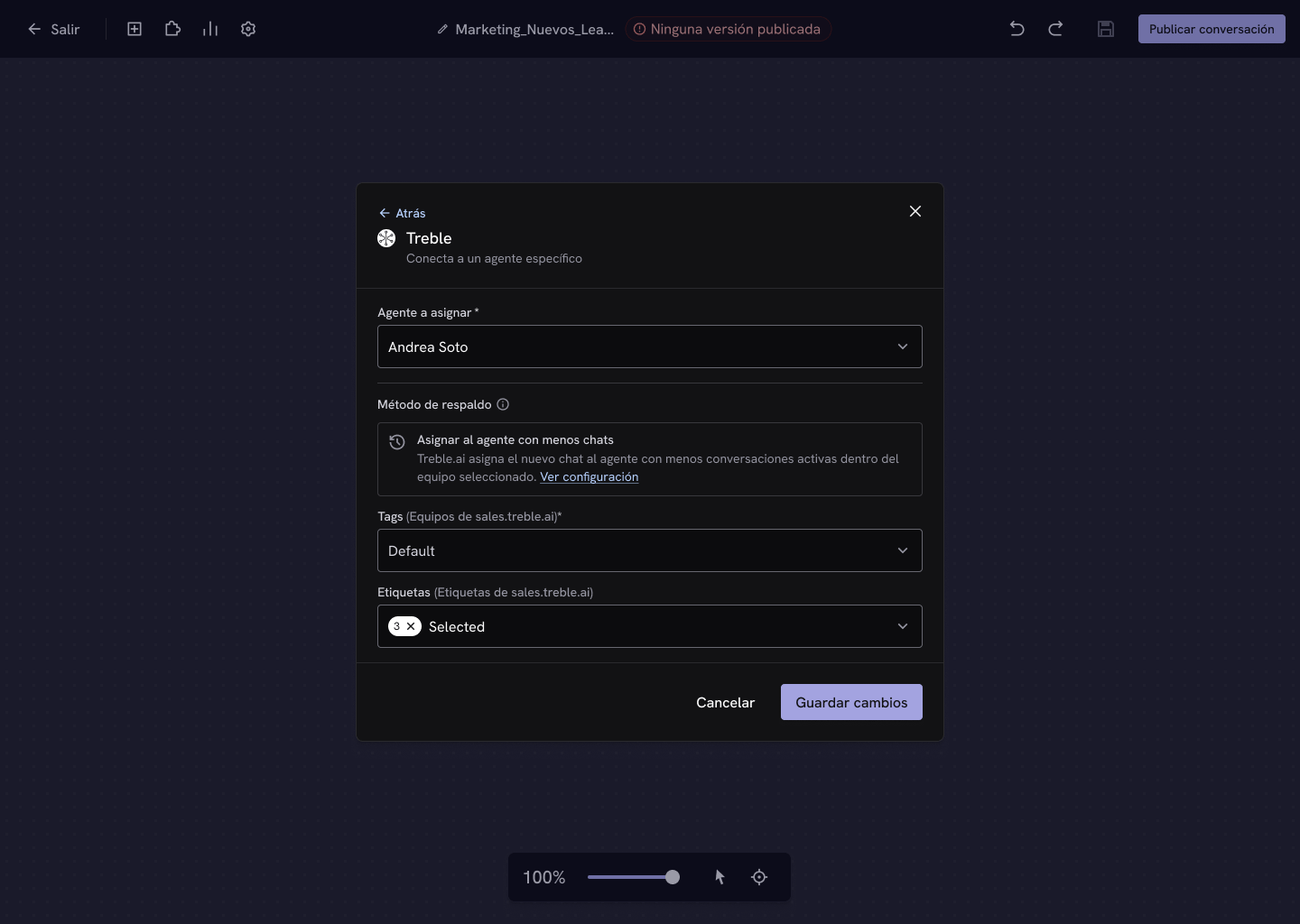
Treble will **always assign to the agent you choose**. Previously, to achieve this you had to create a team with a single member; now you select the agent directly from a list.
## Specific agent
Treble will **always assign to the agent you choose**. Previously, to achieve this you had to create a team with a single member; now you select the agent directly from a list.
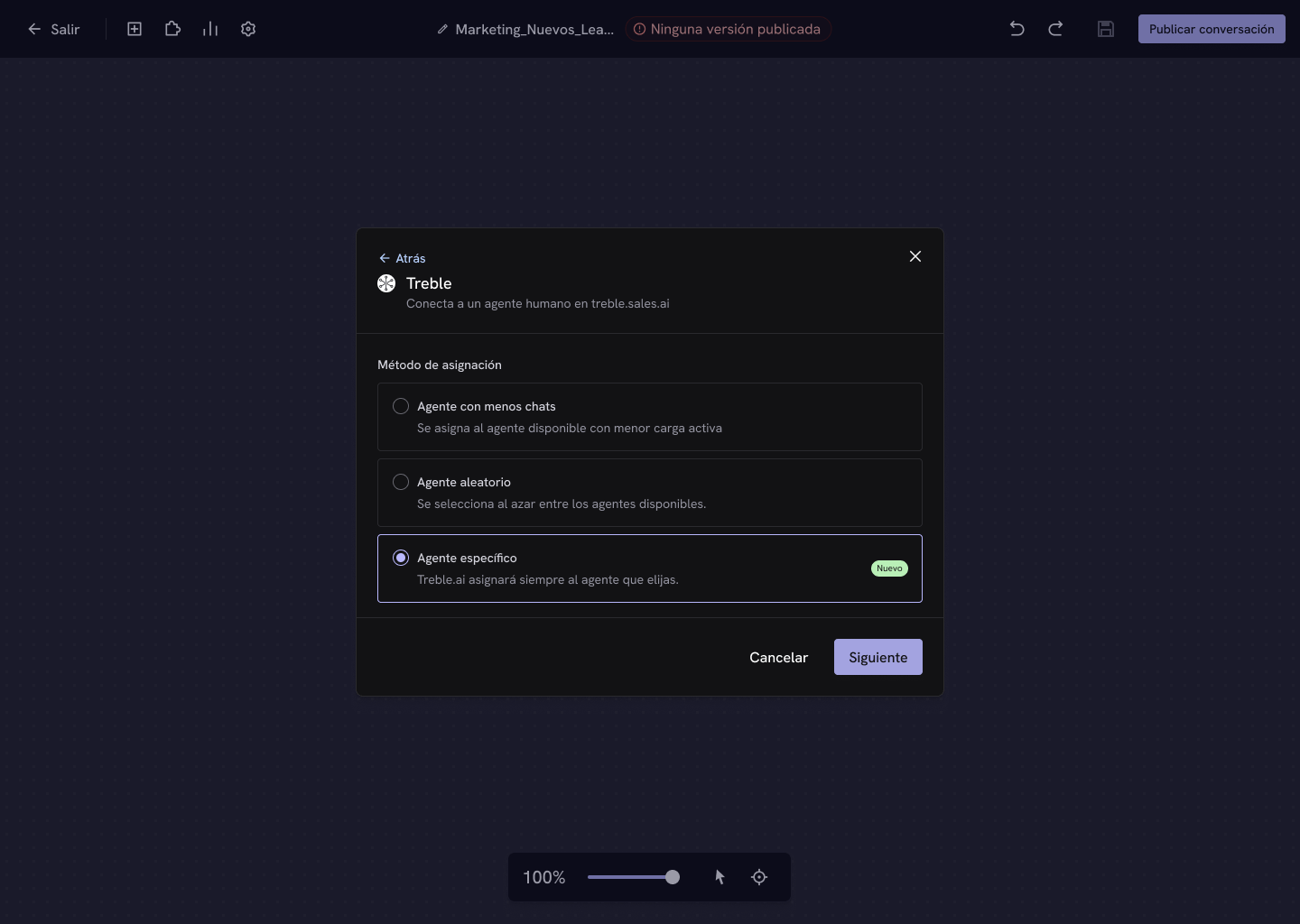 When you choose this method, the **Agent to assign** selector opens. You can search by name among all the agents in your account.
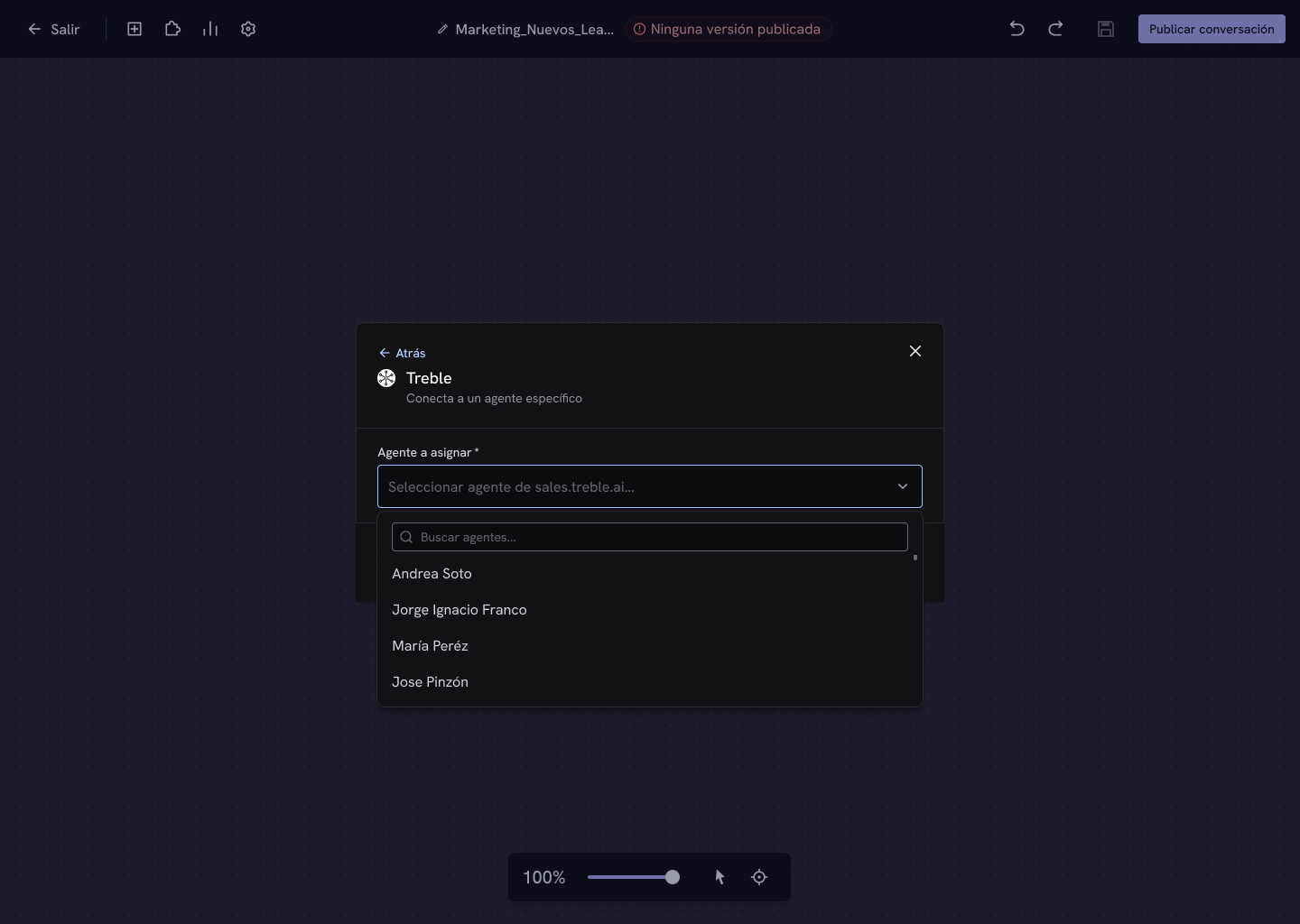 Once the agent is selected, complete the team and the labels and save.
 If the agent you chose is **inactive or disconnected**, the conversation doesn't wait for them: Treble applies your company's [fallback method](/en/docs/build-with-treble/blocks/transfer-methods/overview#priority-and-fallback-method).
## Configuration fields
| Field | Required | What it does |
| ----------------------------------- | ----------------------------- | --------------------------------------------------------- |
| **Agent to assign** | Yes, only in *Specific agent* | The agent who will always receive the conversation. |
| **Fallback method** | — | Read-only. Applied if the method can't assign. |
| **Tags (sales.treble.ai teams)** | Yes | The team whose agents the method is applied to. |
| **Labels (sales.treble.ai labels)** | No | Labels applied to the conversation when it's transferred. |
In **Agent with fewer chats** and **Random agent**, the team selected in **Tags** defines the pool of candidate agents. In **Specific agent** the agent is already defined, and the team is used to classify the conversation.
## Next steps
Learn how to create teams and assign them to your agents.
Assign to the contact's owner or to a HubSpot team.
If the agent you chose is **inactive or disconnected**, the conversation doesn't wait for them: Treble applies your company's [fallback method](/en/docs/build-with-treble/blocks/transfer-methods/overview#priority-and-fallback-method).
## Configuration fields
| Field | Required | What it does |
| ----------------------------------- | ----------------------------- | --------------------------------------------------------- |
| **Agent to assign** | Yes, only in *Specific agent* | The agent who will always receive the conversation. |
| **Fallback method** | — | Read-only. Applied if the method can't assign. |
| **Tags (sales.treble.ai teams)** | Yes | The team whose agents the method is applied to. |
| **Labels (sales.treble.ai labels)** | No | Labels applied to the conversation when it's transferred. |
In **Agent with fewer chats** and **Random agent**, the team selected in **Tags** defines the pool of candidate agents. In **Specific agent** the agent is already defined, and the team is used to classify the conversation.
## Next steps
Learn how to create teams and assign them to your agents.
Assign to the contact's owner or to a HubSpot team.