> ## Documentation Index
> Fetch the complete documentation index at: https://help.treble.ai/llms.txt
> Use this file to discover all available pages before exploring further.
# Agents
> In the agents section, you can view your operation's agents, their metrics, and their conversations. You can manage your agents, assign roles, create teams, and more.
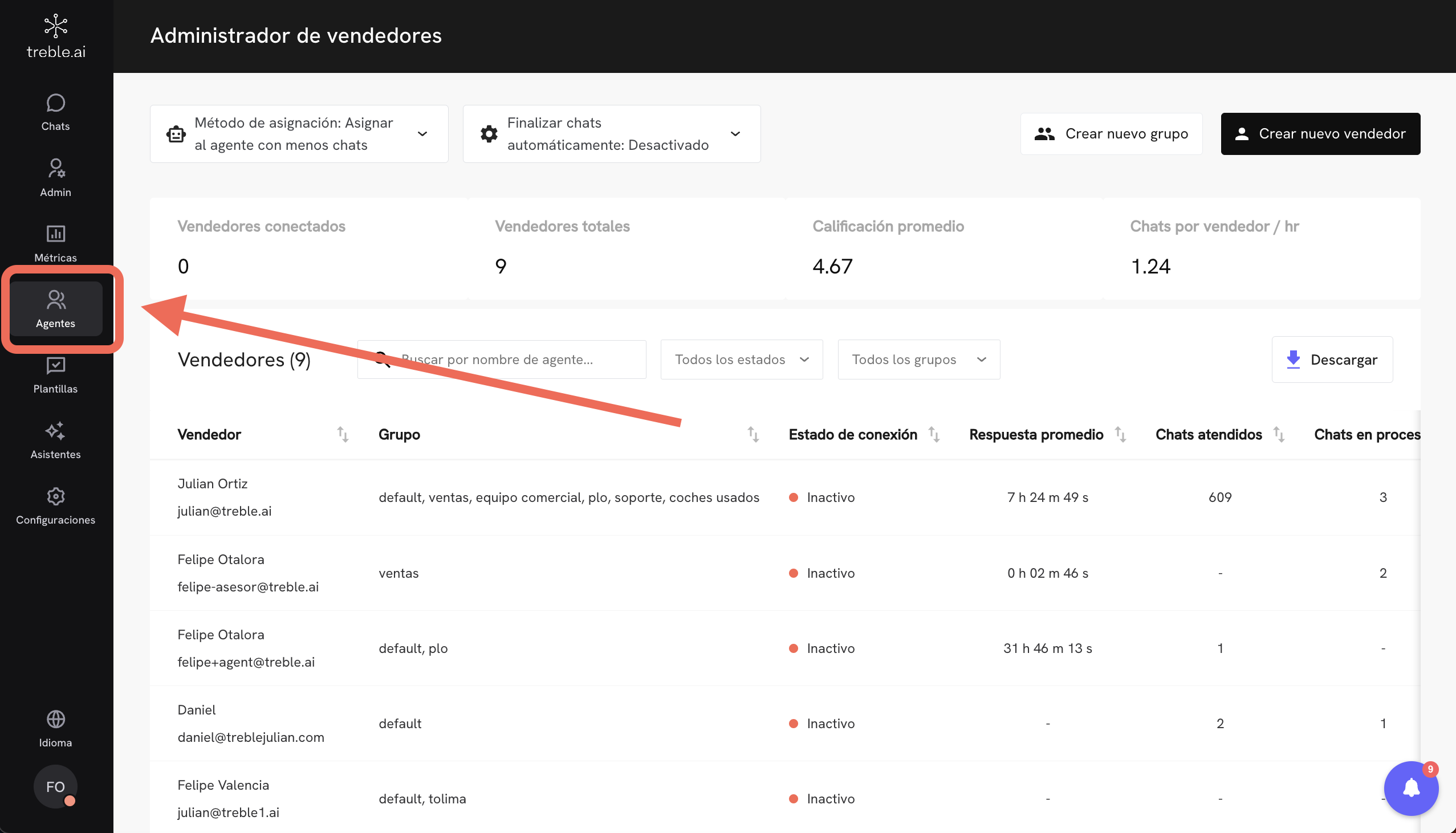 From the **Agents** section, you can manage all team members who handle conversations in Treble. Here you can see each agent's connection status, average performance, and other key indicators to monitor the operation in real-time. Let's explore each section in detail.
## Conversation Completion
You can enable the automatic conversation completion option. This setting automatically closes conversations that are assigned or pending assignment. The time is calculated from the customer's last response. You can specify the time in minutes.
# Next steps
Configure agent teams in Treble.
{' '}
From the **Agents** section, you can manage all team members who handle conversations in Treble. Here you can see each agent's connection status, average performance, and other key indicators to monitor the operation in real-time. Let's explore each section in detail.
## Conversation Completion
You can enable the automatic conversation completion option. This setting automatically closes conversations that are assigned or pending assignment. The time is calculated from the customer's last response. You can specify the time in minutes.
# Next steps
Configure agent teams in Treble.
{' '}